NADRA Services UK – Pak Identity, NICOP & NADRA Card Online
At the NADRA Solutions Center, we simplify complex processes with professionalism and transparency. If you need new applications, NICOP, ID card renewals, passport renewals, or more, we are here to help. If you are in the UK, we can process your application with ease. Contact us on WhatsApp for all your NADRA needs, vital for overseas Pakistanis living in the UK.
Essential NADRA Services for Overseas Pakistanis in the UK
We offer ID cards to Pakistanis in the UK, making money transfers easy and providing secure identification benefits. These services help maintain ties with Pakistan and access essential services. We play a vital role in supporting and simplifying the lives of Pakistanis living abroad.
Benefits of our Pak Identity & NADRA Card Services for overseas Pakistani in UK
- Easy Application Process: Apply for Pak Identity NICOP, POC, FRC, and other NADRA services online without unnecessary complications.
- Simple Pricing: We offer competitive rates with transparent costs, so you know exactly what you’re paying.
- Follow Up on Your Application: Get quick email updates on the status of your application so you always know what’s going on.
- Convenient Delivery: We’ll take care of delivering your NADRA cards and paperwork, so you can sit back and relax. We simplify the procedure.
- Regulation Compliance: We guarantee a smooth reliable procedure followed by NADRA and Pakistani government regulations.
Services for NADRA Card in the UK
Our NADRA Card Services for Overseas Pakistanis
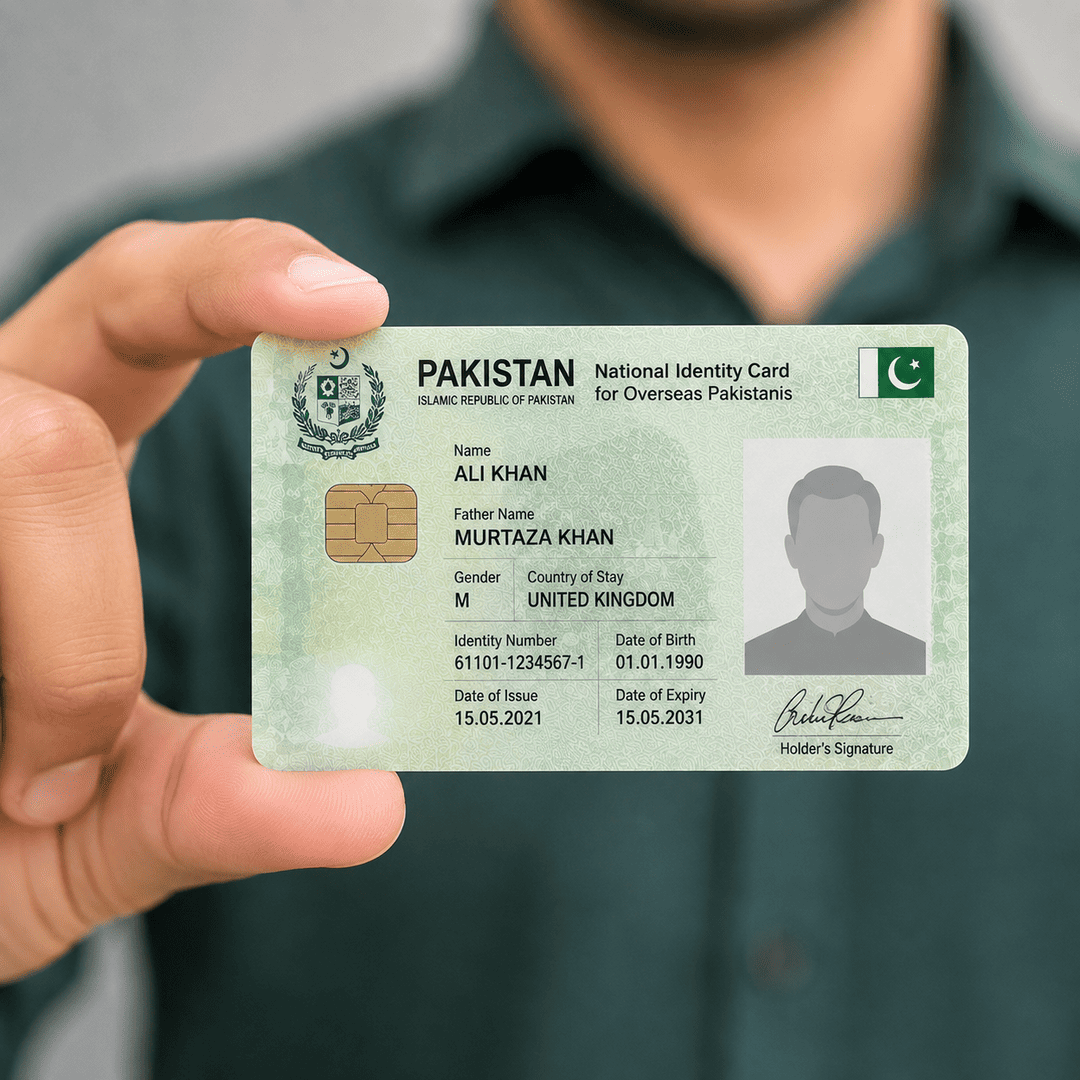
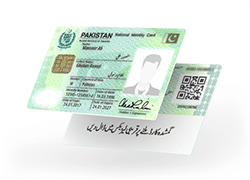
NATIONAL IDENTITY CARD FOR OVERSEAS PAKISTANIS
Pak Identity NICOP Card UK
Are you a Pakistani national residing in the UK and in need of your NICOP card? Our service makes it easy to apply for your New Nadra NICOP card UK.
- New NICOP Card: Discover the process and benefits of obtaining a new NICOP card.
- NADRA Card Renewal UK: Renewal Process: Learn the importance of keeping your NADRA card updated and the renewal procedure.
- NICOP Cancellation UK: Understand the circumstances under which you might need to cancel your NICOP and how to do it.
- NADRA Card Modification UK: Find out how to modify personal details on your NADRA card and why it’s essential to keep your information current.
- NICOP Lost: Act immediately to protect your identity, report the loss to NADRA via our website and file a police report if required.
Easily manage your NICOP needs with our services.
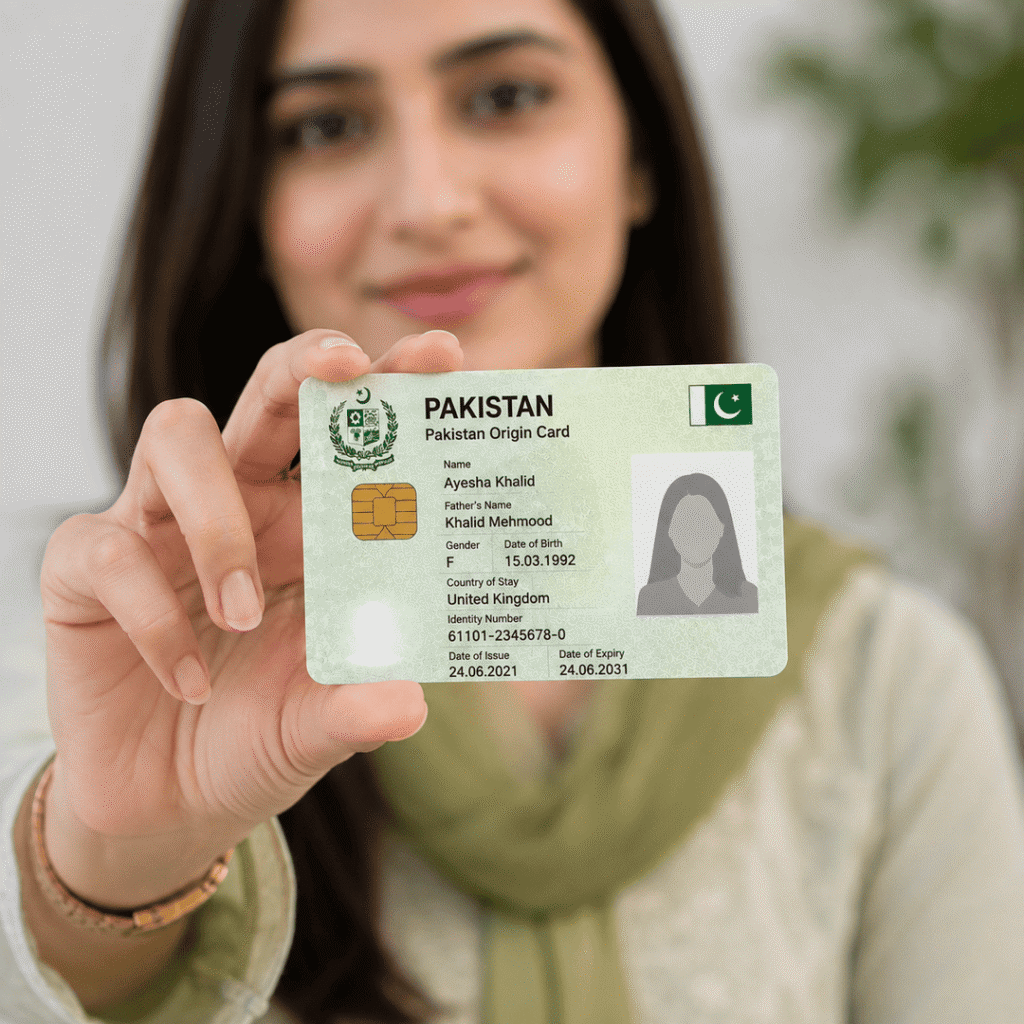
NADRA POC (PAKISTAN ORIGIN CARD)
POC Card
Welcome to our Pakistan Origin Card (POC) services! If you’re an overseas Pakistani in the UK needing your NADRA Card UK (POC), also known as an Overseas Pakistani Card or UK ID Card, we’re here to help 24/7.
- New POC Card: Apply easily through Pak Identity for your essential POC Card, which allows entry into Pakistan and serves as your UK ID Card.
- Lost POC Card: Lost your POC Card? Contact us immediately for a hassle-free replacement process.
- Cancellation of POC Card: Need to cancel your POC Card? Contact our 24-hour NADRA office in the UK for assistance.
- Renewal of POC Card: Is your POC Card expiring? Let us assist with the renewal process to keep your card valid and up-to-date.
Our services are designed to make managing your POC Card needs straightforward. Contact us today!
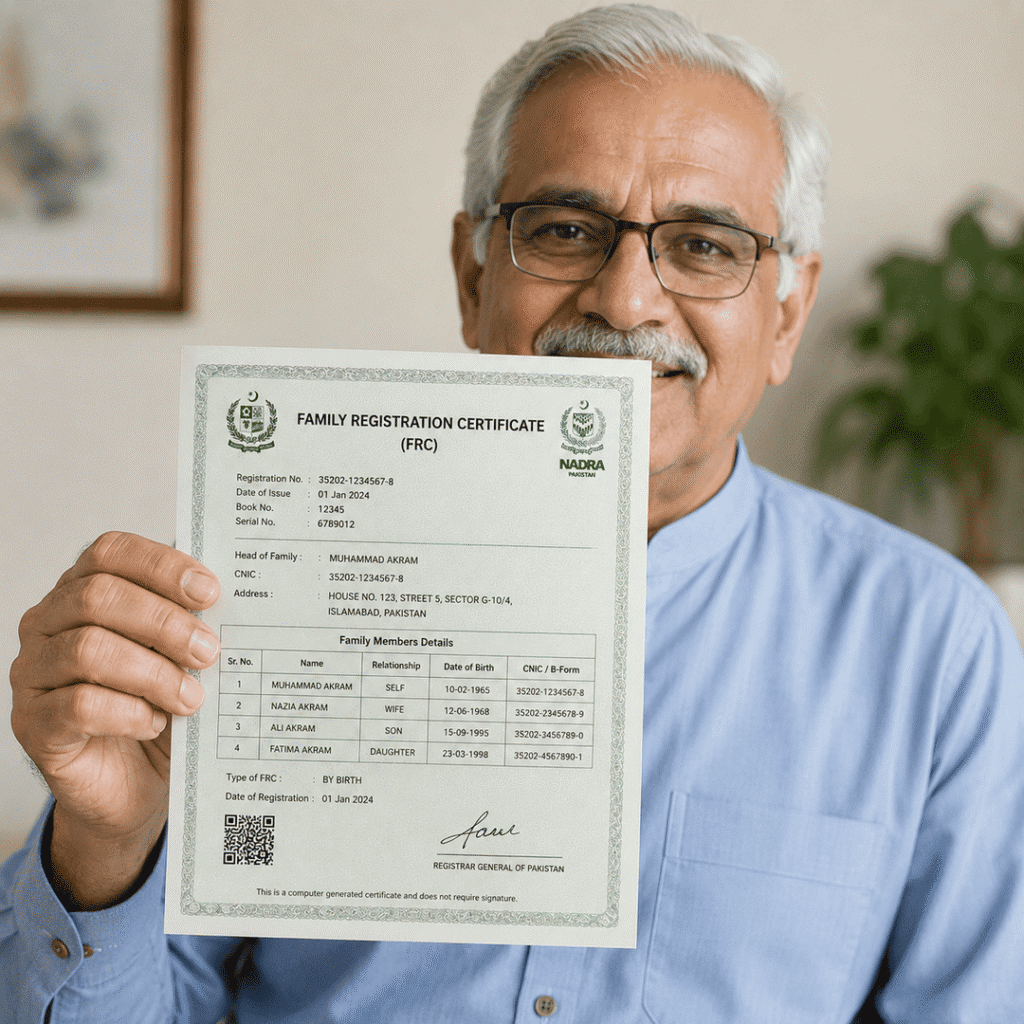
FAMILY REGISTRATION CERTIFICATE (FRC)
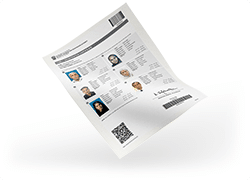
Family Registration Certificate (FRC)
Need to apply for your Family Registration Certificate (FRC) in the UK? Our online FRC services make obtaining your NADRA FRC easy and quick.
New FRC: Apply for your first Family Registration Certificate (FRC) online with ease. Receive it within 24 hours via email, crucial for visas, education, immigration, and official purposes.
Renew FRC: Easily renew your Family Registration Certificate (FRC) online to keep it valid for confirming your family’s identity.
The FRC from NADRA includes crucial details about your family members, categorized as:
- By Birth: Lists family details based on your date of birth.
- By Marriage: Lists family details if you are married.
- By Adoption: Shows family details if you have adopted.
Manage your NADRA needs effortlessly with our comprehensive FRC services.
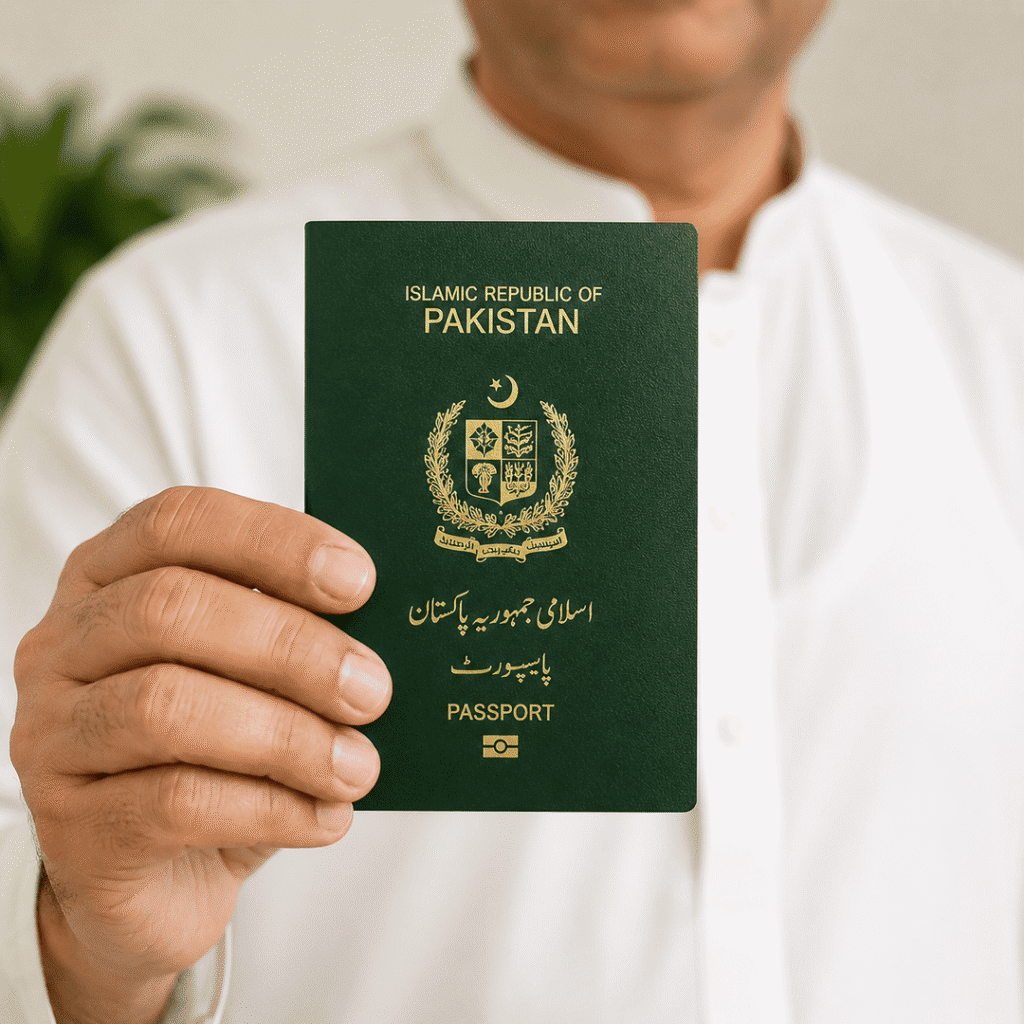
PAKISTANI (MRP) RENEWAL
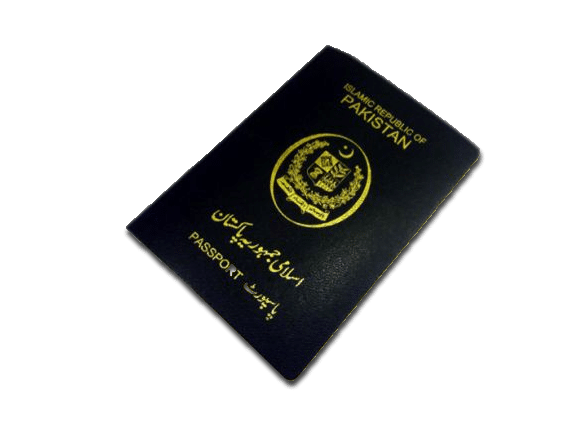
Pakistani Passport (MRP) Renewal
Renewing your MRP while living outside of Pakistan can be daunting, but we’re here to help. With our efficient services, you can solve your identification problems with ease and minimal hassle. Renew your Pakistani MRP in just a few moments with us.
Need urgent renewal? Choose our executive service, and we’ll quickly arrange for your MRP renewal, delivering it right to your door. Expect your paperwork in 7 to 10 business days for executive service, or 30 to 45 business days for standard service.
Our experienced team is well-versed in all aspects of the application process, ensuring you have the best customer experience possible. Trust us to handle your Pakistani MRP renewal smoothly and efficiently.
Handle your MRP (Machine Readable Passport) needs easily with our services.
Why Choose Us for Your NADRA Card Services?
- Convenience: At Nadra Card Center UK, we prioritize your convenience. Our online platform allows you to access NADRA services from the comfort of your home, saving you time and hassle.
- Reliability: We have extensive experience helping overseas Pakistanis with NADRA and Pak Identity applications.
- Expert Assistance: Our team consists of skilled professionals who are well-versed in all aspects of NADRA services. Whether you’re applying for a new card or need assistance with renewal, our experts are here to guide you every step of the way.
Choose us or your NADRA card services and experience the convenience, reliability, and expert assistance you deserve.
How to Apply for Obtaining a New NADRA Card or
Renewal of Existing One from the UK?
1. Know Your Requirements:
Read about the desired service and get familiar with eligibility and requirements.
2. Get Expert Assistance:
Contact Us to resolve your queries or seek help from our experts, or any relevant information.
3. Get Things Ready:
Now, when you are familiar with requirements, prepare and get ready for the application process with scanned copies of all documents.
4. Apply for Service:
Apply for your desired service by just following the Step-By-Step Process. Otherwise, visit our center for seamless application by our experts with minimum risk of rejection.
5. Submit Required Documents:
Submit all the required documents electronically (while applying online) or visit our center for a hassle-free submission.
6. Track your progress:
Stay informed of the real-time status of your application through our free status update mail straight to your inbox.
7. Convenient delivery:
Once approved, your new / renewed NADRA Cards, POC, NICOP, FRC, FRC, or relevant paperwork will be delivered directly to your doorstep. Still having questions/queries? Please Contact Us, WhatsApp Us, or Schedule a Call with our expert for more details.
HOW THE PROCESS WILL WORK?
Process to Obtain NADRA Card
To acquire your NADRA Card conveniently:
- Visit the NADRA Solutions website.
- Contact our team via email, Live Chat, or WhatsApp.
- Receive the application link to upload your documents.
- Verify your details and provide fingerprints.
- Return the form promptly for approval.
- Enjoy your service within the specified timeframe.
Fingerprint Details
- Print and complete the biometric form.
- Scan and email it to application Support@nadrasolutions.co.uk
- for quick submission.
Service Options
Fast Services
- Cost: £165 each.
- Processing Time: 7-10 Working Days.
- Start Date: Begins from the day your application is submitted.
Urgent Service
- Cost: £135 each.
- Processing Time: 3-4 Working Weeks.
- Start Date: Begins from the day your application is submitted.
Slow Service
- Cost: £99 each.
- Processing Time: 6 Working Weeks.
- Start Date: Begins from the day your application is submitted.
How to Apply for NADRA & Pak Identity Services
Now, it’s easy to get your card online. All you need to do is, provide us with the relevant information alongside the documents, we will do the rest for you!
Step 1
Complete the whole form on our Website
Step 2
Provide us the required paperworks
Step 3
Proofread form & provide fingerprints
Step 4
Send the completed form to us
Get Professional Pak Identity Assistance Today
At NADRA Solutions, we are committed to helping overseas Pakistanis complete their Pak Identity and NADRA applications quickly, securely, and efficiently. Whether you need a NICOP, POC, FRC, or Pakistani passport renewal, our team is ready to assist you from start to finish.
Client Reviews



Clients Centric Perks of NADRA Solution
1. Expert Assistance: Our experienced team is available to guide and help individuals throughout the process, providing lifetime customer support.
2.Around-the-Clock (24/7) Availability: Our experts are available 24/7 to help you out. We aim to assist our overseas Pakistanis in the best possible manner.
3. Customer Support: We offer free of cost customer support for a lifetime. You can reach out to us at any time and we will be there to address/answer your queries and resolve your issues/problems.
4. Secure Platform: We guarantee a secure and reliable platform for all of your NADRA-related services while protecting your personal information throughout the process.
5. Flexible Working Hours: We provide flexible working hours to accommodate your schedule, making it easier to reach us when it’s convenient for you. So, no need to miss your office, or get out of your comfort zone.
Disclaimer:
Nadra Solutions is an independent informational website and is not affiliated with, associated with, authorized by, endorsed by, or operated by the National Database and Registration Authority (NADRA), the Government of Pakistan, or any Pakistani government department or agency.
The information provided on this website is for general informational and guidance purposes only. We do not represent ourselves as NADRA, a government authority, or an official government service provider.
Frequently Asked Questions
Pak Identity is NADRA Pakistan’s official online portal that allows overseas Pakistanis to apply for NICOP, POC, FRC, and other identity services online.
Fast Service: £280 each, processed in 3-4 working weeks from application submission.
Slow Service: £220 each, processed in 8 working weeks from application submission.
Yes, you can apply to renew your NADRA card online by contacting us. The process includes filling out an application form, filing required documents, and paying the relevant fees.
Traveling to Pakistan from the UK with an expired Nadra card is not advisable. It’s important to ensure your Nadra card is valid for hassle-free travel. Check the expiration date and renew it if necessary before your trip.
The fees for renewing a Pakistani ID card in the UK can vary. It typically ranges from £40 to £100 depending on the processing time (standard or urgent) and the type of card. Always confirm the current fees on the Nadra Card Center UK website.
To modify personal details on your Nadra card in the UK, submit an application online now with our NADRA card solutions. Provide the required documents for the changes, such as a marriage certificate or a name change deed, and pay the necessary fees.
If you’ve lost your Nadra card in the UK, report it immediately to the nearest Pakistani consulate or embassy. Then, apply for a replacement online, Just contact us and we will provide you full support with providing all necessary documentation and paying the applicable fees.
Thank you for choosing NADRA Solutions. We look forward to assisting you with your NADRA card needs.